01 Digital Basic Usage
A practical foundational course that helps first-time users independently search information, manage files, create documents, save to cloud storage, and use online services safely.
0. Purpose and ultimate goal
The goal is not simple computer operation, but digital independence: the ability to select and safely use digital tools for daily life, learning, employment, entrepreneurship, and workplace tasks. The course follows a professional training style focused on practice, assignments, outputs, feedback, and portfolio evidence.
Referenced professional training patterns
- Google IT Support and Google Workspace-style hands-on tasks
- ICDL and MOS-style skill performance assessment
- UK/EU private IT skills course patterns connected to life and employment
- Microsoft 365, Canva, and Notion-based portfolio outputs
Beginner 1 Day Digital Basic Usage Curriculum
A compact hands-on course covering device operation, account login, file saving, web search, and basic document creation.




| Category | Details | Practice methods |
|---|---|---|
| Objective 1 | Objective 1: · device of basic operation and account login perform. |
Hands-on practice using real digital tools with instructor demonstration and learner repetition.
Learners complete a practical task, submit an output, and revise it through feedback.
|
| Objective 2 | Objective 2: file · saving · · · backup perform. |
Hands-on practice using real digital tools with instructor demonstration and learner repetition.
Learners complete a practical task, submit an output, and revise it through feedback.
|
| Objective 3 | Objective 3: internet search and document writing through digital result create. |
Hands-on practice using real digital tools with instructor demonstration and learner repetition.
Learners complete a practical task, submit an output, and revise it through feedback.
|
| Platforms | Windows 11, Android/iOS basicapp, Google Chrome, Microsoft Edge, Google Search, Google Docs, Microsoft Word, Google Drive, Microsoft OneDrive, ChatGPT, Microsoft Copilot |
|---|---|
| Instructor profile | Instructor should have relevant digital literacy, productivity tool, project facilitation, and learner-support experience. |
| Target learners | Digital general citizens, older adults, people with disabilities, · · basic,, education learners |
| Duration | 4-6 hours |
| Materials | Or PC,, internet, Google or Microsoft account, USB, practice image file,, with or type |
| Deliverables | Schedule, cloud backup, digital document PDF |
| Assessment | Device operation 20%, filemanagement 25%, search perform 20%, document completion also 25%, security · accountmanagement 10% |
Beginner 3 Days Digital Basic Usage Curriculum
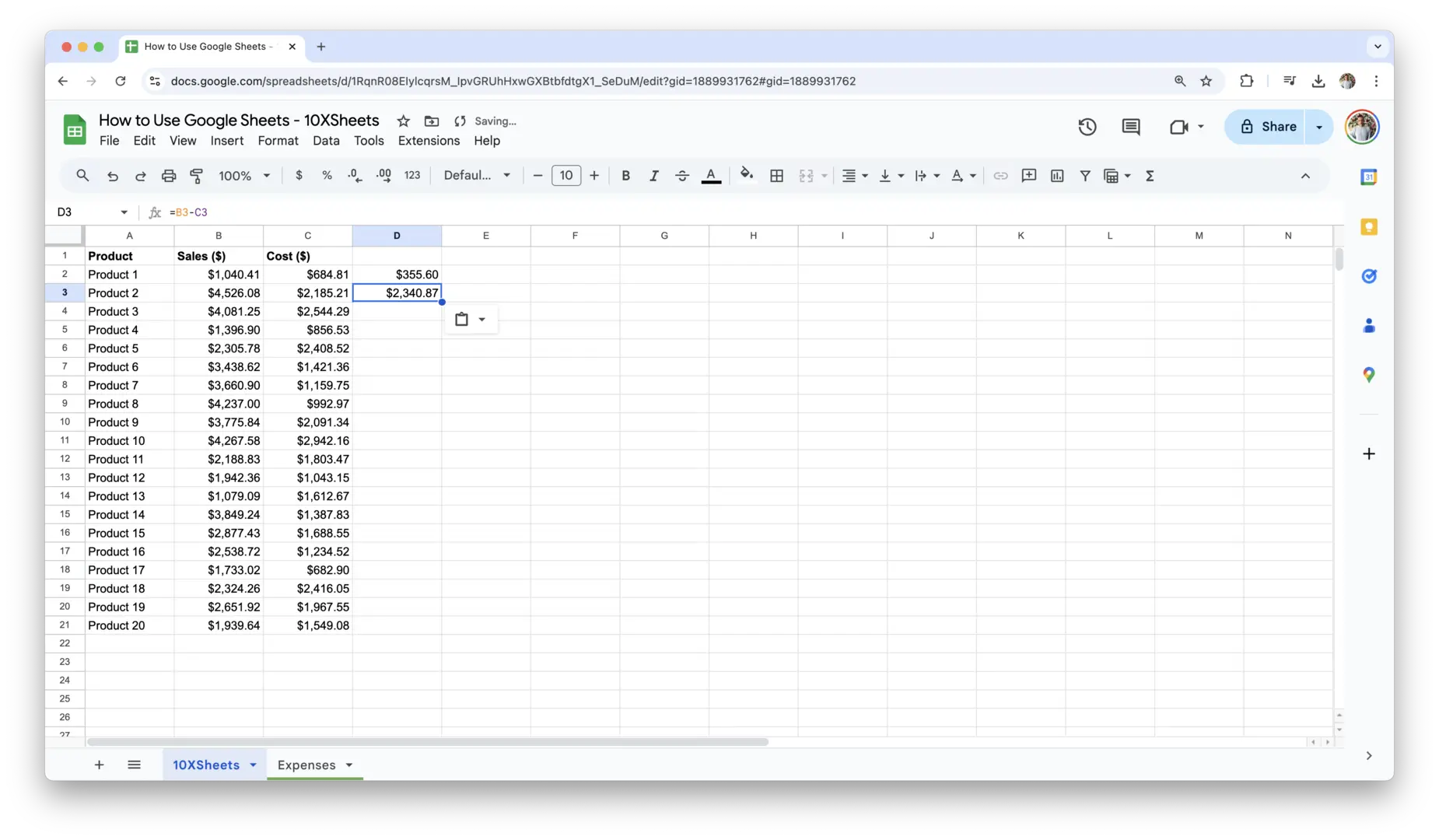
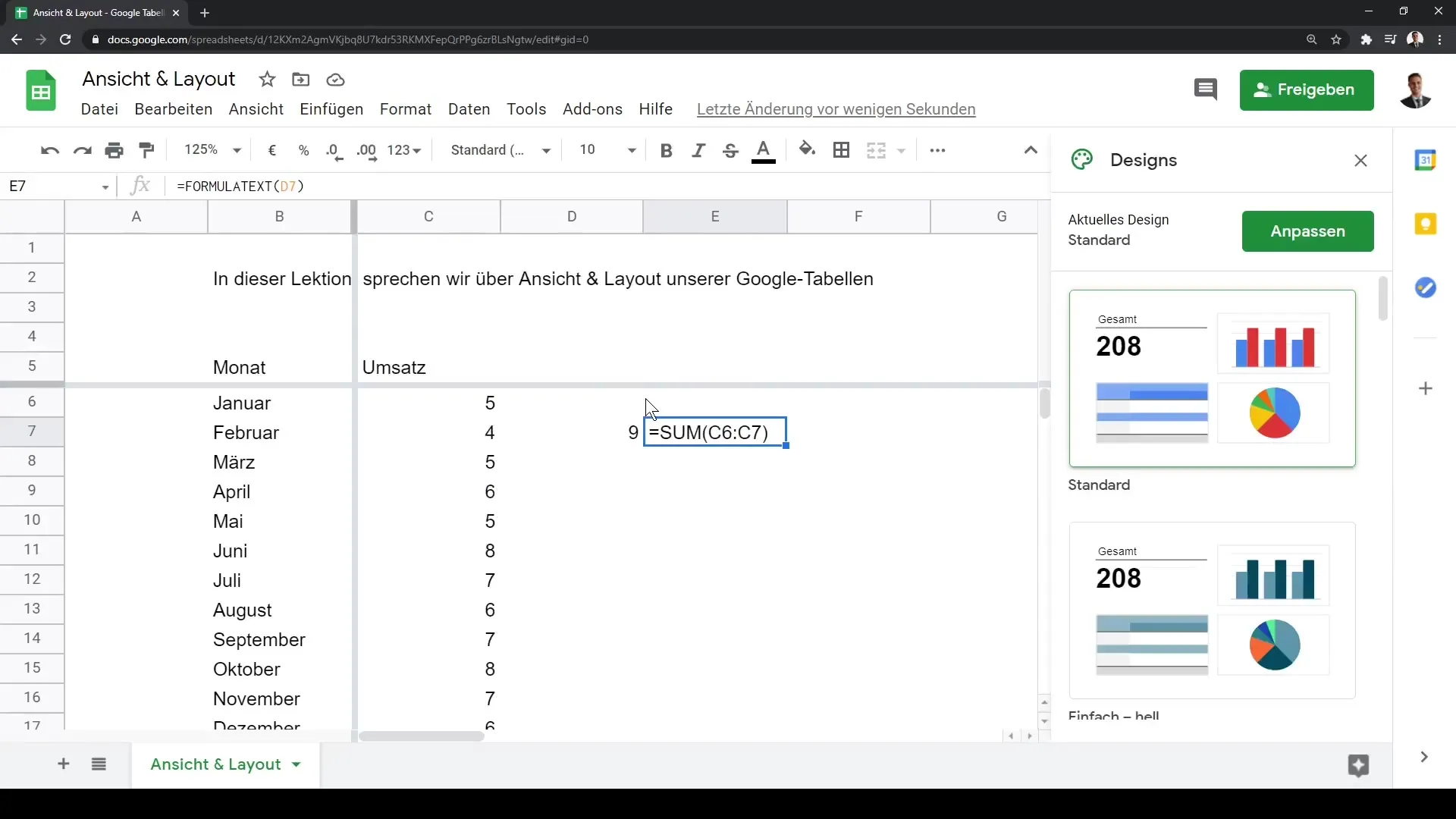
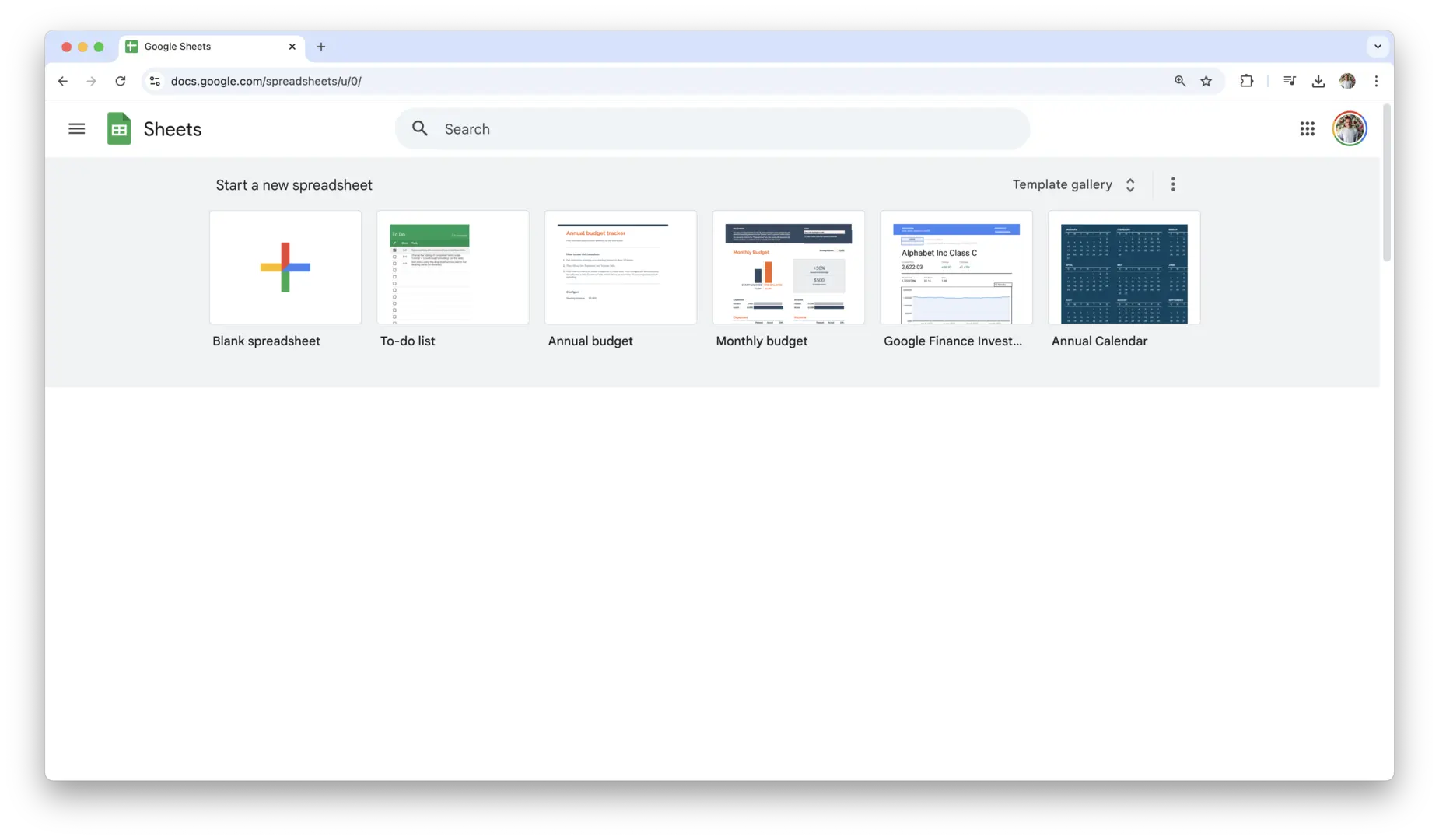
A three-day curriculum that connects basic operation with documents, tables, slides, and cloud sharing.
| Category | Details | Practice methods |
|---|---|---|
| Objective 1 | Objective 1: digital device and operation of basic understanding and with. |
Hands-on practice using real digital tools with instructor demonstration and learner repetition.
Learners complete a practical task, submit an output, and revise it through feedback.
|
| Objective 2 | Objective 2: search · email · cloud by information. |
Hands-on practice using real digital tools with instructor demonstration and learner repetition.
Learners complete a practical task, submit an output, and revise it through feedback.
|
| Objective 3 | Objective 3: document · table · presentation deck creation by individual portfolio complete. |
Hands-on practice using real digital tools with instructor demonstration and learner repetition.
Learners complete a practical task, submit an output, and revise it through feedback.
|
| Platforms | Windows 11, Android/iOS, Chrome, Gmail, Outlook, Google Drive, OneDrive, Google Docs, Word, Google Sheets, Excel, Google Slides, PowerPoint, Canva |
|---|---|
| Instructor profile | Instructor should have relevant digital literacy, productivity tool, project facilitation, and learner-support experience. |
| Target learners | General citizens,,,, people with disabilities education, digital transformation introductory |
| Duration | 12-18 hours |
| Materials | Individual PC or,, internet, Google/Microsoft account, practice document, email practice account,, presentation |
| Deliverables | , scheduletable or, 3 presentation deck, sharing |
| Assessment | Basic operation 15%, email · cloud 25%, document · table · presentation deck 35%, security 15%, participation 10% |
Beginner 1 Week Digital Basic Usage Curriculum
A one-week course building a personal digital use package for daily life, learning, administration, and job-seeking.
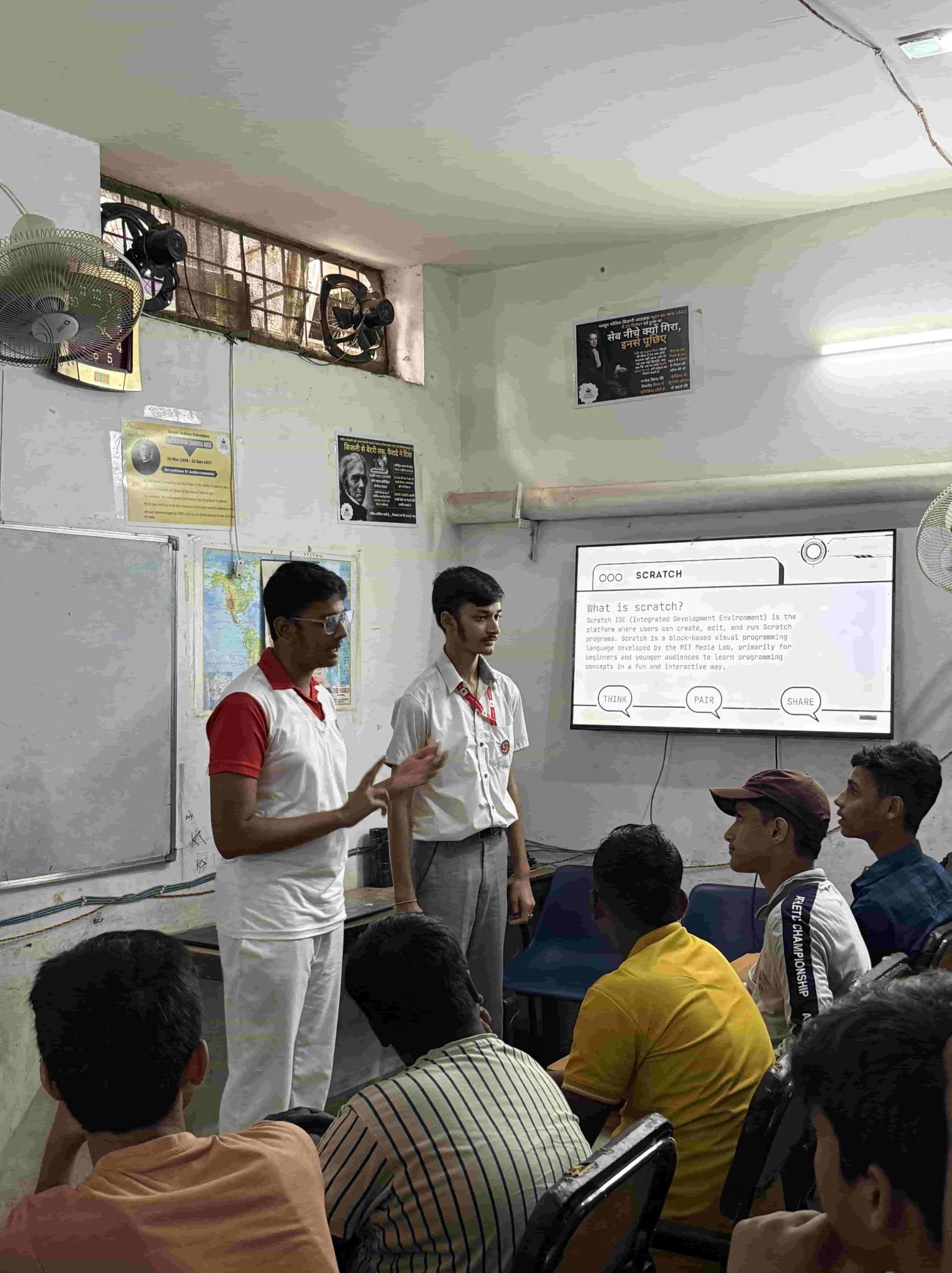
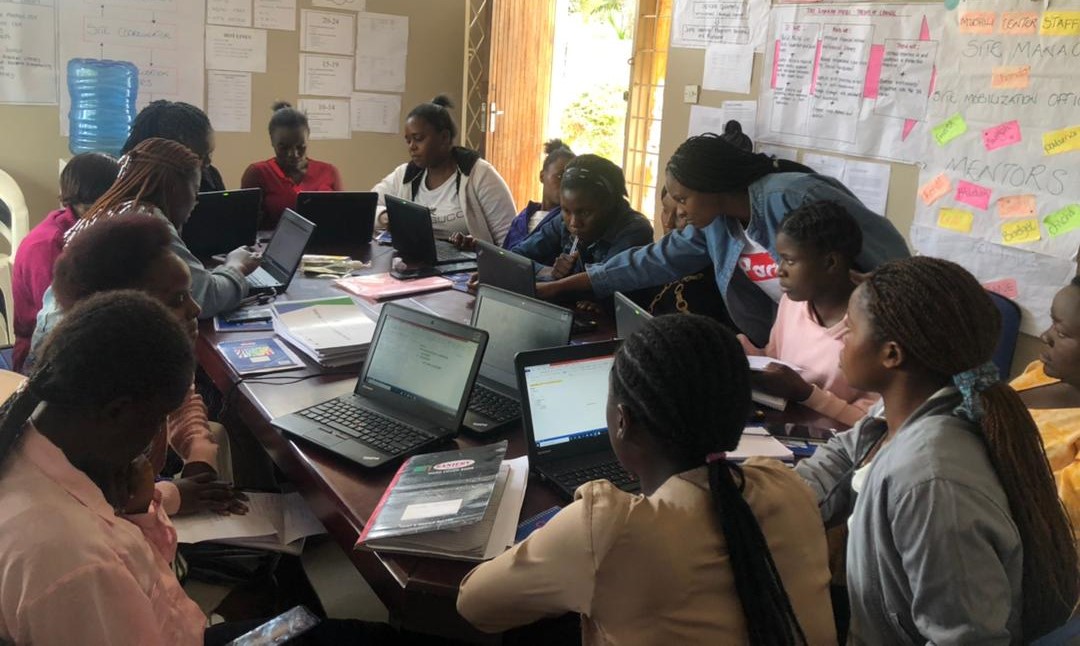
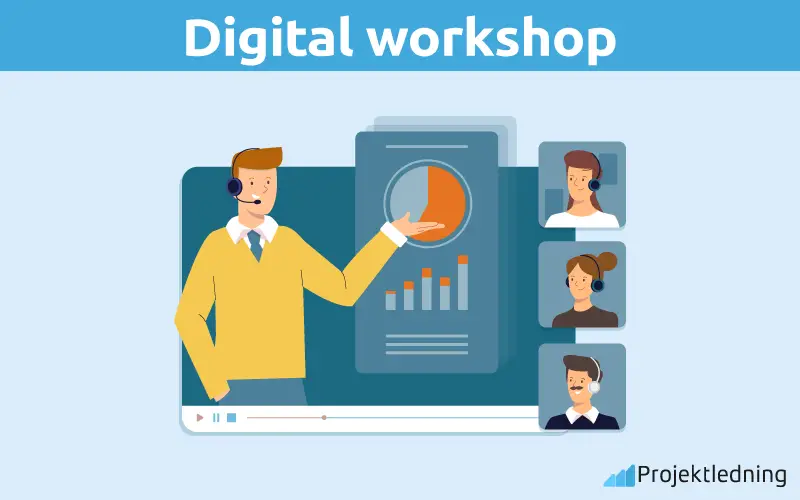
| Category | Details | Practice methods |
|---|---|---|
| Objective 1 | Objective 1: · · learning in digital procedure perform. |
Hands-on practice using real digital tools with instructor demonstration and learner repetition.
Learners complete a practical task, submit an output, and revise it through feedback.
|
| Objective 2 | Objective 2: digital content to organization and sharing. |
Hands-on practice using real digital tools with instructor demonstration and learner repetition.
Learners complete a practical task, submit an output, and revise it through feedback.
|
| Objective 3 | Objective 3: AI tools safely using hours. |
Hands-on practice using real digital tools with instructor demonstration and learner repetition.
Learners complete a practical task, submit an output, and revise it through feedback.
|
| Platforms | 24,, with, Google Search, YouTube,, Canva, Notion, Padlet, Google Docs, ChatGPT, Gemini, Microsoft Copilot |
|---|---|
| Instructor profile | Instructor should have relevant digital literacy, productivity tool, project facilitation, and learner-support experience. |
| Target learners | General citizens,, digitally vulnerable groups,,, local community learning learners |
| Duration | 20-30 hours |
| Materials | PC or,, authentication or of account, internet, Canva/Notion account, practice personal information by, activity |
| Deliverables | Individual digital manual, card news 1, individual materials, AI use table |
| Assessment | Service perform 20%, content creation 25%, materialsorganization 20%, AI use 20%, presentation · feedback 15% |
Intermediate 4 Weeks Digital Basic Usage Curriculum
A practical four-week course expanding from personal use to collaboration, work documents, online promotion, verification, and simple automation.


| Category | Details | Practice methods |
|---|---|---|
| Objective 1 | Objective 1: work and learning to collaboration. |
Hands-on practice using real digital tools with instructor demonstration and learner repetition.
Learners complete a practical task, submit an output, and revise it through feedback.
|
| Objective 2 | Objective 2: information and data based report writing. |
Hands-on practice using real digital tools with instructor demonstration and learner repetition.
Learners complete a practical task, submit an output, and revise it through feedback.
|
| Objective 3 | Objective 3: digital result online in and management. |
Hands-on practice using real digital tools with instructor demonstration and learner repetition.
Learners complete a practical task, submit an output, and revise it through feedback.
|
| Platforms | Google Workspace, Microsoft 365, Zoom, Microsoft Teams, Excel, Google Sheets, Canva, Google Slides, Notion, Google Sites, QR Code Generator, ChatGPT |
|---|---|
| Instructor profile | Instructor should have relevant digital literacy, productivity tool, project facilitation, and learner-support experience. |
| Target learners | Education target, small business owner, instructor ·,, organization practitioner, digital competency |
| Duration | 40-60 hours |
| Materials | ,, internet, Google/Microsoft account, Zoom/Teams account, data, organization promotion, presentation |
| Deliverables | Collaborationdocument, data report, promotionmaterials PDF, online portfolio or organization guide |
| Assessment | Collaboration tools use 20%, data organization 25%, report completion also 25%, online 20%, presentation 10% |
Advanced 8 Weeks Digital Basic Usage Curriculum
An advanced portfolio-style course connecting digital basics to employment, entrepreneurship, teaching, and institutional work.




| Category | Details | Practice methods |
|---|---|---|
| Objective 1 | Objective 1: digital work perform to basic operation · document · data competency. |
Hands-on practice using real digital tools with instructor demonstration and learner repetition.
Learners complete a practical task, submit an output, and revise it through feedback.
|
| Objective 2 | Objective 2: online and digital content creation competency practical work Deliverables with create. |
Hands-on practice using real digital tools with instructor demonstration and learner repetition.
Learners complete a practical task, submit an output, and revise it through feedback.
|
| Objective 3 | Objective 3: AI and automation tools with using individual portfolio complete. |
Hands-on practice using real digital tools with instructor demonstration and learner repetition.
Learners complete a practical task, submit an output, and revise it through feedback.
|
| Platforms | Windows 11, Google Workspace, Microsoft 365, Canva, CapCut, YouTube Studio, Notion, Padlet, Zoom, Teams, ChatGPT, Gemini, Copilot, Google Forms, Zapier, Make |
|---|---|
| Instructor profile | Instructor should have relevant digital literacy, productivity tool, project facilitation, and learner-support experience. |
| Target learners | And startup, certification, education, Digital Instructor course, small business owner digital transformation |
| Duration | 80-120 hours |
| Materials | Individual,, internet, Google/Microsoft account, Canva account, CapCut, practice data, project, assessment rubric |
| Deliverables | Individual digital portfolio, workdocument, data report, promotion content, AI use table, automation result |
| Assessment | Practical work 25%, collaboration · 20%, content creation 20%, AI · automation use 20%, portfolio presentation 15% |